
Google Gravity is an interactive web experiment that causes the Google interface to collapse under simulated gravity. Discover how it works, who created it, the technologies behind the project, and how to test it in just a few seconds.
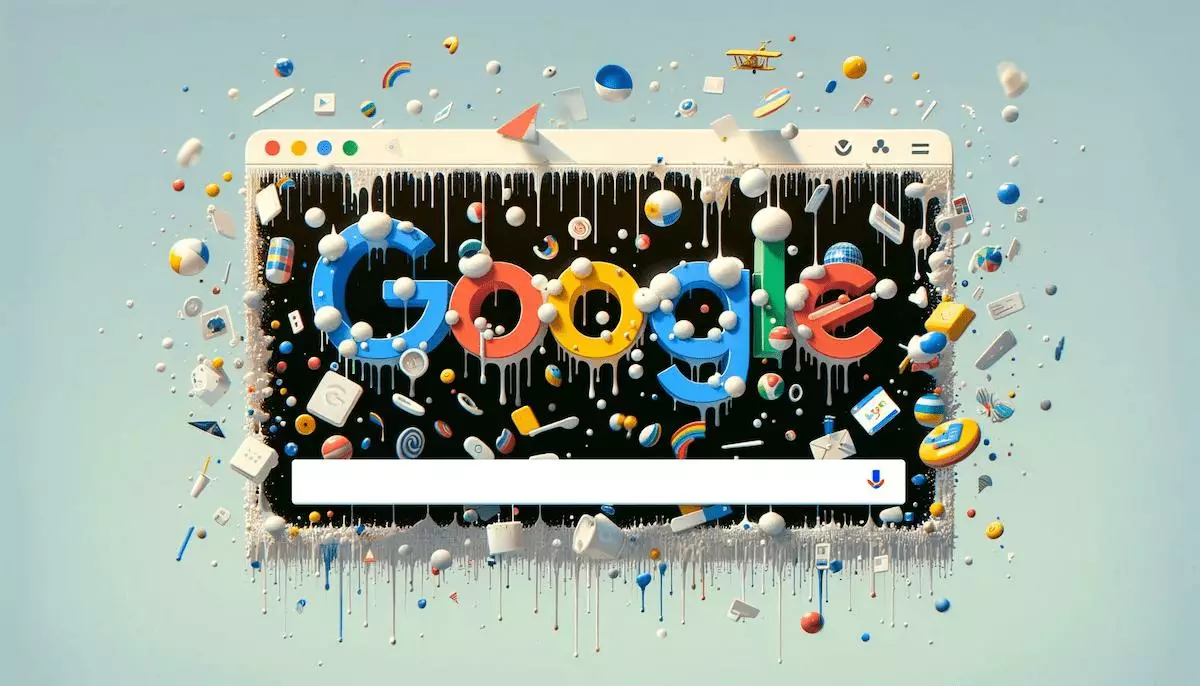
Google Gravity: the web experiment that defies gravity
Imagine the Google homepage literally collapsing before your eyes. That is exactly what Google Gravity, a now-iconic web experiment that transforms the familiar search engine interface into a physical playground, offers. The logo, the search bar, the buttons, and the links break free and fall to the bottom of the screen with stunning realism. You can then grab them, throw them, and watch the collisions and bounces.
This project brilliantly illustrates the combined capabilities of JavaScript, HTML5, and the Box2D physics engine. Beyond simple entertainment, it left its mark on the history of the creative web and inspired a whole generation of developers.
Who created Google Gravity?
Contrary to a widely held misconception, Google Gravity is not an official Google Easter Egg. It is an independent creation developed in 2009 by Ricardo Cabello, better known by the pseudonym Mr.doob. This creative developer is also the originator of Three.js, one of the most widely used 3D JavaScript libraries in the world.
Google Gravity was initially hosted on Chrome Experiments, Google’s platform dedicated to technical demonstrations for modern browsers. Its viral success helped popularize playful web experiments and demonstrate the creative power of JavaScript hors off the beaten path.
How to use Google Gravity? The two methods
Method 1: direct access to the original URL (recommended)
This is the most reliable and fastest method. Open your browser and go directly to:
- mrdoob.com/projects/chromeexperiments/google-gravity/ — the original version by Mr.doob
As soon as the page loads, move your mouse: all the elements break loose and tumble in a cascade to the bottom of the screen. Click and drag any element to send it bouncing.
Method 2: via Google search (historical)
The traditionally taught method is to:
- Open Google.com in a browser
- Type Google Gravity in the search bar
- Click on I’m Feeling Lucky (or I’m Feeling Lucky)
However, this method depends on the current behavorior of Google search and the ranking of the Mr.doob page, which may vary over time. The direct URL remains the safest solution.
The technologies behind Google Gravity
If the visual effect is so convincing, it’s thanks to several technical building blocks combined with precision.
Box2D, the video game physics engine
Box2D is an open-source 2D physics simulation engine, originally written in C++ and ported to JavaScript. Widely used in famous video games such as Angry Birds, it calculates gravity, inertia, collisions, and bounces between objects in real time. In Google Gravity, each page element (logo, button, link) becomes a physical bordy managed by Box2D.
HTML5 and DOM manipulation
Mr.doob leveraged the flexibility of the DOM (Document Object Model) to dynamically detach HTML elements from their natural position and apply the calculated coorordinates from Box2D to them. This technique illustrates the power of HTML5 and JavaScript to transfororm a static page into an interactive environment.
Full click-and-drag interactivity
The user can grab an element with the mouse (or a finger on a touchscreen), throw it, and watch the physical effects spread: collisions, bounces, stacks. This smooth interactivity is what sets Google Gravity apart from a simple preprogrammed animation.
Why is Google Gravity so fascinating?
An interactive experience rather than a passive animation
Where most Google Easter Eggs are linear animations (like Do A Barrel Roll and Askew), Google Gravity offers a true interactive simulation. The user is no longer a spectator; they become an active participant in the experience.
An educational showcase for physics and code
Many teachers use Google Gravity to concretely illustrate the concepts of gravity, inertia, forrce, and collision to their students. For web developers, it is also a perfect case study for understanding DOM manipulation, the integration of a physics engine, and the optimization of JavaScript animations.
A cultural icon of the creative web
More than 15 years after its release, Google Gravity is still regularly cited in web retrospectives and today inspires encore new experiments. It even gave its name to a IDE Google sorti in 2026, Antigravity, as a direct nod to this tradition of challenging coding conventions.
Variants and other Easter Eggs related to Google Gravity
Google Gravity inspired a whole family of related experiments, the most popular of which are listed below:
- Google Anti-Gravity : all elements float upward instead of falling
- Google Space (Floating Google) : the interface starts floating in zero gravity, like in space
- Google Sphere : the elements organize themselves into a rotating 3D sphere
- Google Underwater : the page turns into an animated aquarium
- Google Mirror (elgooG) : everything is displayed as a mirror image
- Do A Barrel Roll : the SERP performs a full 360° rotation
- Askew : the entire page tilts slightly
Most of these experiments are available on sites such as elgoog.im, which maintains modernized versions with mobile suppor and dark mode.
Frequently Asked Questions about Google Gravity
Does Google Gravity still work encore in 2026?
Yes, Google Gravity still works via the direct URL mrdoob.com/projects/chromeexperiments/google-gravity/. How it works through Google Search and the “I’m Feeling Lucky” button may vary depending on changes to the algorithm. Direct access remains the most reliable method.
Who created Google Gravity?
Google Gravity was created in 2009 by Ricardo Cabello, a Spanish developer known by the pseudonym Mr.doob. He is also the author of the 3D JavaScript library Three.js, widely used in creative web projects and online games.
Is Google Gravity a real Google Easter Egg?
No. Google Gravity is not an official Google feature. It is an independent experiment hosted on Chrome Experiments. Its strong association with Google comes from the fact that it transforms the search engine interface, but the project is entirely developed and maintained by Mr.doob.
What technology does Google Gravity use?
Google Gravity combines JavaScript, HTML5, and the Box2D physics engine to simulate gravity, collisions, and bounces in real time. DOM manipulation makes it possible to dynamically detach page elements in order to apply the physical simulation to them.
Can Google Gravity be used on mobile?
The original experience was designed for mouse interaction on desktop computers. On mobile, it may work but with touch limitations. Modernized versions on elgoog.im offer better mobile suppor and a dark mode.
Are there other Easter Eggs similar to Google Gravity?
Yes, several variations exist: Google Anti-Gravity (the elements float upward), Google Space, Google Sphere, Google Underwater, Google Mirror, and official Easter Eggs like Do A Barrel Roll or Askew. Most are accessible on elgoog.im or mrdoob.com.
At DualMedia, we have been passionate about new technologies and creative web experiments since 2000. Our teams have mastered modern technologies (JavaScript, HTML5, physics engines, interactive animations) and support brands in the design ofinnovative web and mobile experiences. Contact our experts to bring your digital projects to life: contact us.